01 · COLLABORATION
Microsoft 365
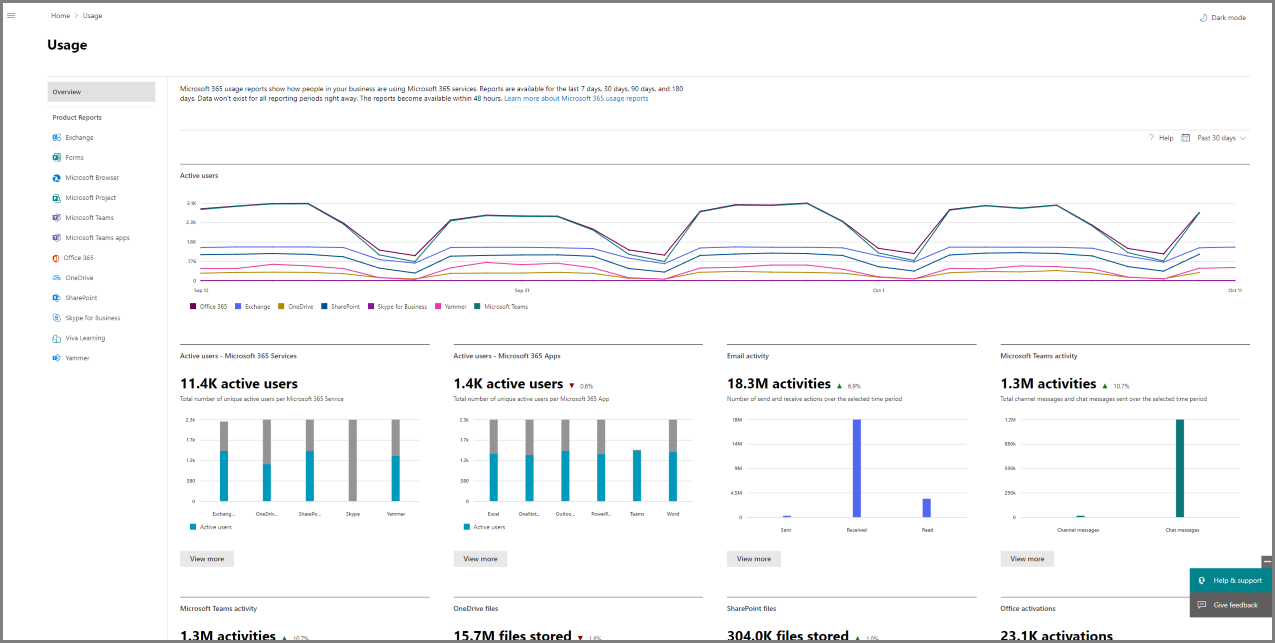
Shared email, meetings and documents with Teams, SharePoint and OneDrive. We define permissions and a clear way of working in and out of the office.
Teams · SharePoint · OneDrive
Coordinated collaboration, application access and protection so people can work away from the office without losing control.
The experience starts with the device, moves through identity and the network, and ends with applications and data. We design these pieces as one system so each person can find what they need with the right access.
Not everyone needs a virtual desktop, and not every business needs the same network. We start with the roles, applications, devices and policies you already have.
We combine tools, devices and connectivity around the applications and data each team needs.
Shared email, meetings and documents with Teams, SharePoint and OneDrive. We define permissions and a clear way of working in and out of the office.
Sales, projects, purchasing and other operations can remain in one ERP when the team works from different locations. We adapt access and processes to each role.
We select laptops and desktop computers for each role. Where the project calls for it, we integrate Dell servers into the remote working environment.
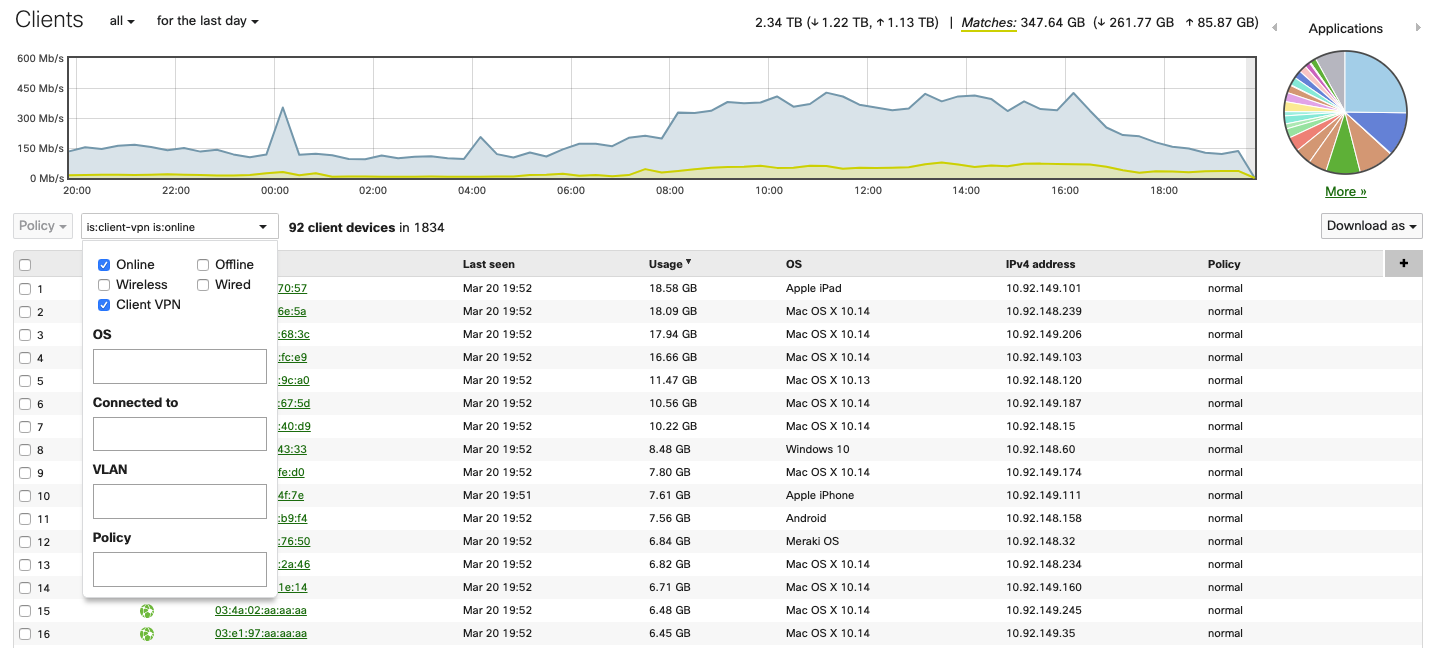
We design networks and remote VPN access to connect sites and users to authorised resources, in line with the architecture and security policies.
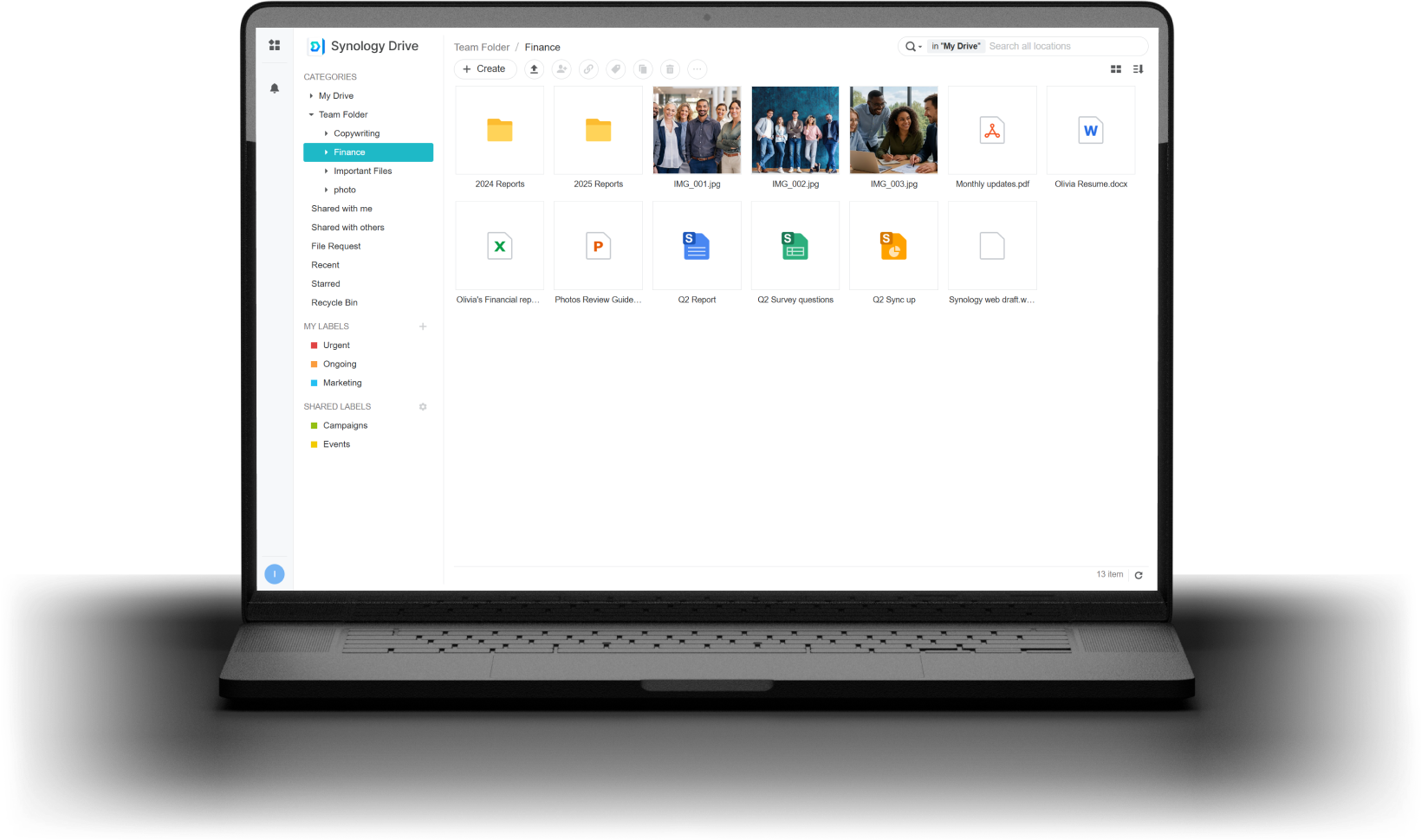
A NAS can centralise files and form part of a backup strategy. We define secure remote access, synchronisation and recovery according to the data your business handles.

When identity, devices and applications work together, remote work no longer depends on isolated solutions.
Each person accesses what they need from an authorised device and location.
The connection and security policies support the team outside the office.
Microsoft 365, business tools and virtual desktops when they add value.
Collaboration and access to documents and applications, with device support and policies.
A consistent experience when changing location, with managed identities and permissions.
Appropriate access from laptops and mobile devices, with centralised protection and management.
Roles, locations, applications, devices and access needs.
Architecture, security, licences, costs and an implementation plan.
Configuration, testing and transition with as little disruption as possible.
Training, support and review of the user experience.
Tell us which tools they use and where they face difficulties. We will design a remote working environment suited to your needs.